
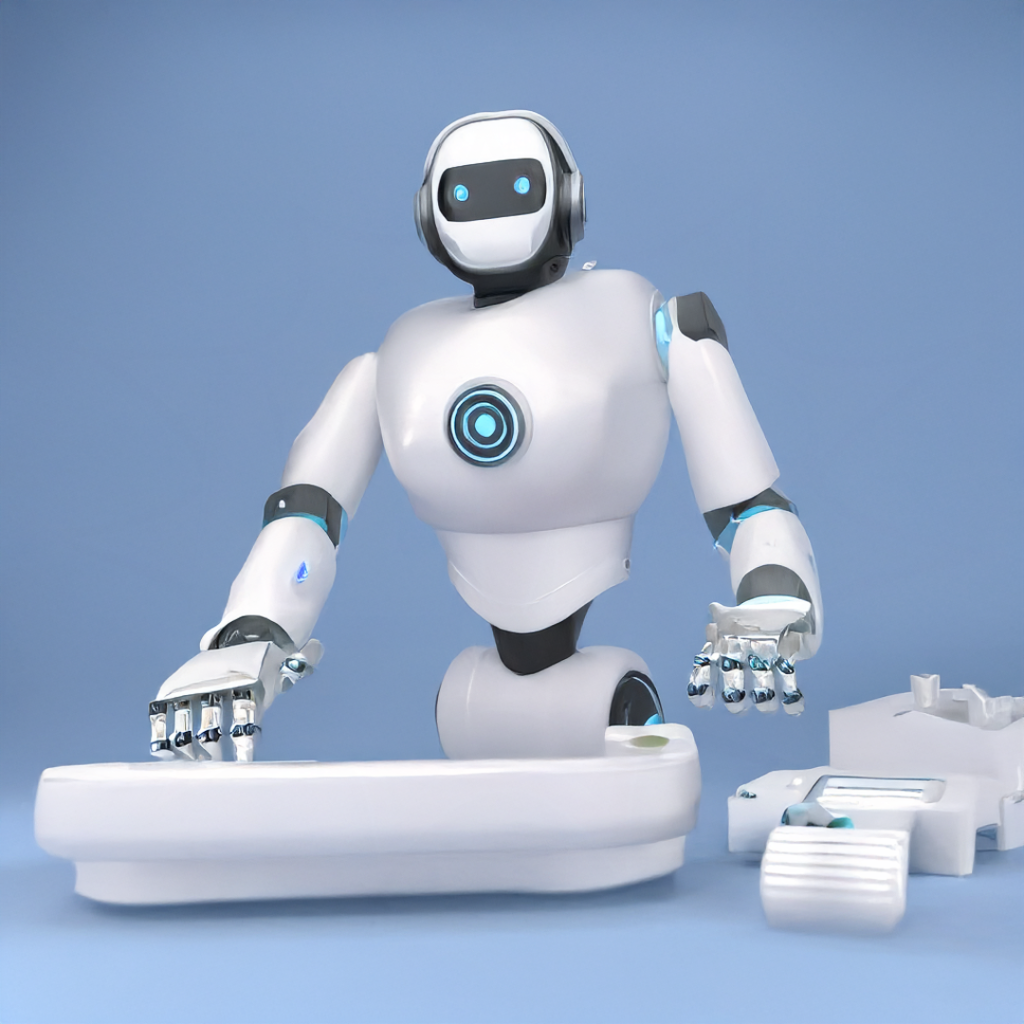
Introduction: Welcome to the World of AI Automations
In today’s fast-paced business world, simply keeping up isn’t enough. Businesses need to find smarter ways to work, reduce manual effort, and free up their teams for more important tasks. This is where AI automations come in. You might have heard the buzz about artificial intelligence (AI), but what does it really mean for your day-to-day operations? Simply put, AI automations involve using smart computer programs to handle tasks that people usually do, but faster and often with fewer mistakes.
Imagine taking all those repetitive, time-consuming chores off your plate. That’s the power of automation. When you add AI to the mix, these automations become even smarter, learning and adapting to get better over time. In this guide, we’ll break down what AI automations are, how they can transform your business, explore some powerful workflow automation tools, and show you practical examples of AI task automation that you can start using today. Get ready to discover how to make your business run smoother and more efficiently than ever before.
What Exactly Are AI Automations?
Let’s start with the basics. Automation is about using technology to perform tasks automatically, without human intervention. Think of a simple example like a dishwasher – it automates the task of washing dishes. Now, imagine if that dishwasher could learn your dish habits, decide the best cycle based on how dirty your plates are, and even order more detergent when it’s running low. That’s the ‘AI’ part.
AI automations take traditional automation a step further by using artificial intelligence to make processes smarter. This means the systems can:
* **Learn:** AI can analyze data and patterns to understand how tasks are typically done.
* **Decide:** Based on what it learns, AI can make decisions on how to proceed with a task.
* **Adapt:** It can adjust its actions over time, improving its performance and accuracy.
This isn’t just about simple ‘if this, then that’ rules. AI automations can handle complex scenarios, process natural language, recognize images, and even predict future outcomes. For businesses, this translates into machines handling everything from customer service inquiries to data analysis, allowing human employees to focus on strategic thinking, creativity, and building relationships.
Why Your Business Needs AI Automation
The benefits of incorporating business automation with AI are vast and impactful. It’s not just about saving time; it’s about fundamentally improving how your business operates. Here’s why adopting AI automation is becoming essential for businesses of all sizes:
1. **Increased Efficiency:** Tasks are completed much faster than a human could manage, often around the clock. This means more work gets done in less time.
2. **Reduced Costs:** Automating repetitive tasks can significantly cut down on labor costs, allowing resources to be reallocated to growth-oriented activities.
3. **Improved Accuracy:** AI systems, once properly configured, are less prone to human error, leading to higher quality output and fewer mistakes.
4. **Enhanced Productivity:** By taking over tedious tasks, AI frees up your employees to focus on work that requires human judgment, creativity, and strategic thinking.
5. **Better Customer Experience:** AI can power chatbots, personalized recommendations, and faster issue resolution, leading to happier customers.
6. **Scalability:** Automated processes can easily scale up or down to meet demand, without needing to hire and train new staff.
7. **Data-Driven Insights:** AI can process vast amounts of data to uncover valuable insights, helping you make smarter business decisions.
By leveraging business automation with AI, companies can become more agile, competitive, and ready for the future.
Key Areas for Business Automation with AI
AI automations aren’t just for tech giants; they can be applied across almost every department in any business. Here are some of the most common and impactful areas where you can implement business automation with AI:
* **Customer Service:** AI-powered chatbots can handle routine customer inquiries, answer FAQs, and guide customers through troubleshooting steps 24/7. This reduces the load on human agents, who can then focus on more complex issues.
* **Marketing & Sales:** AI can automate lead scoring, personalize marketing emails, recommend products to customers, and even help generate content ideas. Imagine an AI segmenting your audience and tailoring messages for maximum impact.
* **Human Resources (HR):** AI can streamline the hiring process by screening resumes, scheduling interviews, and automating onboarding tasks. It can also help manage employee queries about policies or benefits.
* **Finance & Accounting:** Automate invoice processing, expense reporting, fraud detection, and even financial forecasting. AI can quickly reconcile accounts and flag discrepancies, saving countless hours.
* **Operations & Logistics:** Optimize supply chains, predict equipment maintenance needs, manage inventory, and plan delivery routes more efficiently. AI ensures smooth operations from start to finish.
* **IT Support:** AI can automate helpdesk tickets, troubleshoot common technical issues, and even predict potential system failures before they occur.
These examples show how versatile AI automations are, touching nearly every aspect of business operations and making them more efficient.
Exploring Workflow Automation Tools
To put AI automations into practice, you’ll need the right workflow automation tools. These tools are the software platforms and applications that enable you to design, execute, and manage automated processes. They come in various forms, from simple ‘no-code’ platforms to more complex enterprise solutions.
Some popular categories of workflow automation tools include:
1. **Robotic Process Automation (RPA) Platforms:** These tools mimic human actions to automate repetitive, rule-based tasks across different applications. They’re great for processes that involve data entry, form filling, or report generation. Examples include UiPath, Automation Anywhere, and Blue Prism.
2. **Integration Platforms as a Service (iPaaS):** These tools connect different software applications and systems, allowing data to flow seamlessly between them. This is crucial for creating end-to-end automations. Zapier and Make (formerly Integromat) are excellent examples, letting you connect thousands of apps without writing code.
3. **Business Process Management (BPM) Suites:** These are more comprehensive platforms designed to manage and optimize entire business processes. They often include features for process modeling, execution, monitoring, and optimization.
4. **AI-Powered Chatbot Platforms:** Tools like Intercom, Drift, and many others use AI to power customer service conversations, lead qualification, and more.
5. **CRM and ERP Systems with Automation Features:** Many modern Customer Relationship Management (CRM) systems (e.g., Salesforce) and Enterprise Resource Planning (ERP) systems (e.g., SAP, Oracle) now have built-in AI and automation capabilities to streamline sales, marketing, and operational tasks.
Choosing the right tools depends on your specific needs, the complexity of the tasks you want to automate, and your technical capabilities. Many tools offer intuitive interfaces, making it easier than ever for businesses to start their automation journey.
Real-World Examples of AI Task Automation
Let’s get practical. How does AI task automation actually look in action? Here are a few concrete examples:
* **Automated Email Responses:** An AI system can analyze incoming customer emails, understand their intent, and automatically send personalized responses or route them to the correct department. For example, if a customer asks ‘What’s my order status?’, the AI can fetch the information and reply instantly.
* **Data Entry and Processing:** Imagine a company that receives hundreds of invoices daily. AI can read these invoices, extract relevant data (vendor, amount, date), verify it against purchase orders, and enter it into the accounting system – all without manual typing. This is a prime example of how AI automations drastically reduce manual, repetitive work.
* **Content Curation and Generation:** AI tools can scour the internet for relevant news articles or social media trends, summarizing them for marketing teams. Some advanced AI can even help draft social media posts, email subject lines, or blog outlines based on a few prompts.
* **Fraud Detection:** In finance, AI constantly monitors transactions, looking for unusual patterns that might indicate fraudulent activity. It can flag suspicious transactions in real-time, preventing financial losses.
* **Personalized Recommendations:** Online retailers use AI to analyze your browsing and purchase history to suggest products you might like. This boosts sales and improves the customer shopping experience.
* **Meeting Transcription and Summarization:** AI can automatically transcribe meeting audio, identify speakers, and even create summaries of key discussion points and action items, saving valuable time for everyone involved.
These examples highlight how AI task automation isn’t just a futuristic concept; it’s a present-day reality making businesses more productive and efficient.
Getting Started with AI Automation: A Simple Roadmap
Ready to dive into AI automations? Here’s a simple roadmap to help you get started without feeling overwhelmed:
1. **Identify Repetitive Tasks:** Start by making a list of tasks that are repetitive, time-consuming, and prone to human error in your business. These are often the best candidates for automation. Think about data entry, scheduling, customer support queries, or report generation.
2. **Define Your Goals:** What do you hope to achieve with automation? Is it to save money, improve customer satisfaction, increase productivity, or free up employee time? Clear goals will guide your choices.
3. **Research Workflow Automation Tools:** Explore the various workflow automation tools available. Look for user-friendly platforms that align with your budget and technical expertise. Many offer free trials, allowing you to experiment.
4. **Start Small:** Don’t try to automate everything at once. Pick one or two high-impact, low-complexity tasks to automate first. This allows you to learn the process, see quick wins, and build confidence.
5. **Implement and Test:** Set up your chosen automation. Rigorously test it to ensure it’s working correctly and delivering the desired outcomes. Be prepared to make adjustments.
6. **Measure and Optimize:** Once an automation is live, monitor its performance. Are you achieving your goals? Look for ways to refine and improve the automation over time.
7. **Scale Up:** As you gain experience and see success, gradually expand your AI automations to more complex tasks and other areas of your business.
Remember, AI automation is a journey, not a destination. It’s about continuous improvement and adapting your processes to leverage the latest technology.
Challenges and Considerations
While the benefits of AI automations are compelling, it’s also important to be aware of potential challenges and considerations:
* **Initial Setup Time and Cost:** Implementing AI solutions can require an upfront investment in software, integration, and training. It’s crucial to calculate the potential return on investment (ROI).
* **Data Quality:** AI thrives on good data. If your data is messy, incomplete, or inaccurate, your automations won’t perform effectively. Data clean-up might be a necessary first step.
* **Integration Complexities:** Connecting various systems and tools can sometimes be challenging, especially for older or highly customized software. Choosing robust workflow automation tools with strong integration capabilities is key.
* **Employee Adaptation:** Introducing AI task automation can sometimes be met with resistance from employees who fear job displacement. It’s important to communicate how AI will augment their roles, making their jobs more strategic and less tedious, rather than replacing them.
* **Security and Privacy:** When automating processes that handle sensitive data, ensuring robust cybersecurity and compliance with data privacy regulations (like GDPR or CCPA) is paramount.
* **Over-Automation:** Not every task should be automated. Some tasks benefit from human judgment, empathy, or creativity. A balanced approach is crucial.
Addressing these challenges proactively will ensure a smoother transition and more successful implementation of business automation with AI.
Frequently Asked Questions
What is the main difference between traditional automation and AI automation?
Traditional automation follows strict rules and pre-programmed instructions. AI automation, on the other hand, uses artificial intelligence to learn from data, make decisions, and adapt its actions over time, making it much smarter and more flexible for complex tasks.
Will AI automations replace human jobs?
While AI automations will certainly change the nature of work by taking over repetitive tasks, the goal is often to augment human capabilities, not replace them entirely. Employees can then focus on more strategic, creative, and interpersonal aspects of their roles, leading to higher job satisfaction and productivity.
How difficult is it for a small business to implement AI automations?
It’s becoming increasingly accessible! Many modern workflow automation tools are designed for ease of use, with ‘no-code’ or ‘low-code’ interfaces. Small businesses can start with simple AI task automation for common tasks like email responses or data entry, gradually expanding as they gain experience and see benefits.
What kind of data do I need for AI automation to work well?
AI automations require good quality data. This means data that is accurate, consistent, complete, and relevant to the tasks you want to automate. The better your data, the more effectively and reliably your AI systems will perform.
What are some common workflow automation tools?
Popular workflow automation tools include Robotic Process Automation (RPA) platforms like UiPath, integration platforms like Zapier and Make (formerly Integromat), and AI-powered chatbot platforms. Many modern CRM and ERP systems also have robust built-in automation features.
Conclusion
The future of business is undeniably intertwined with AI automations. By strategically implementing business automation with AI, companies of all sizes can unlock unprecedented levels of efficiency, reduce operational costs, and free up their most valuable asset – their people – to innovate and grow. From leveraging powerful workflow automation tools to seeing the immediate impact of AI task automation in real-world scenarios, the path to a smarter, more streamlined business is clearer than ever. Don’t let the complexity of AI scare you; start small, understand your needs, and embrace the power of intelligent automation to propel your business forward. The time to automate is now.