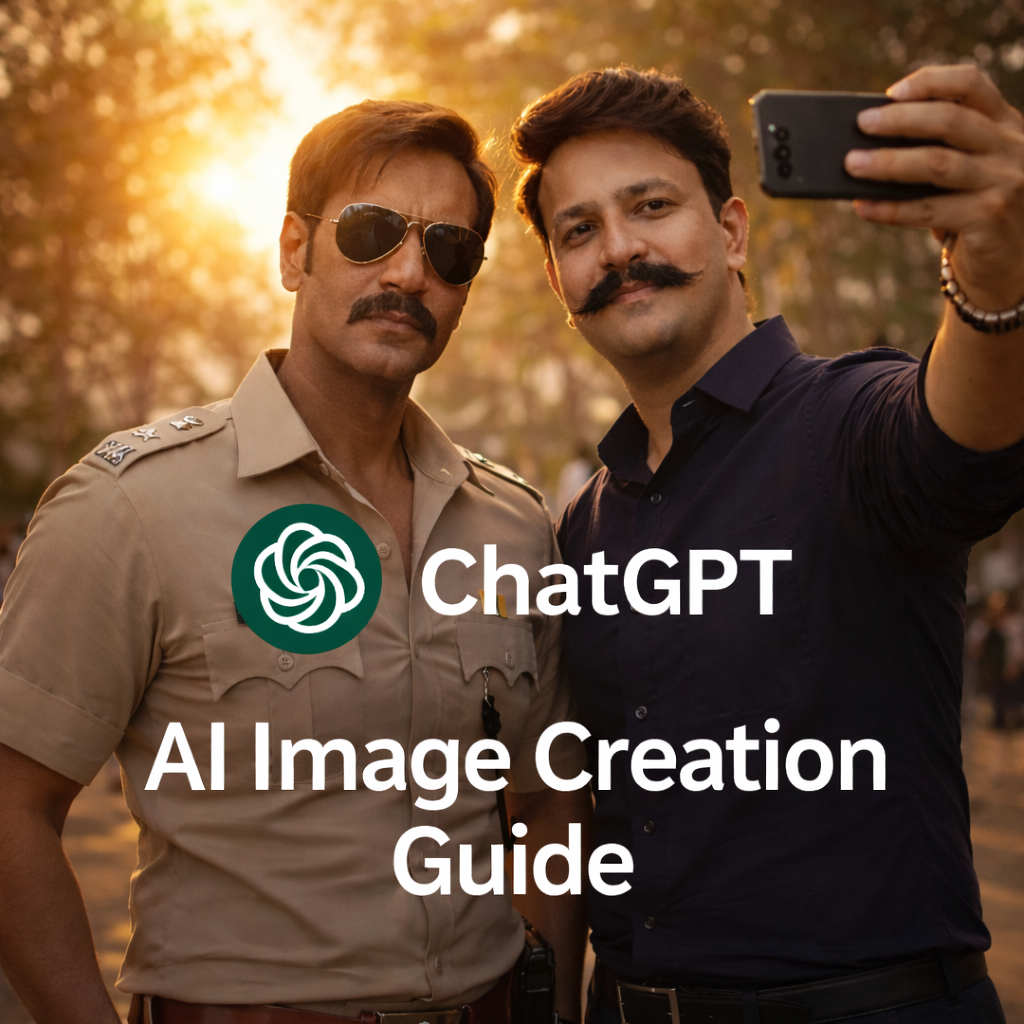
new image creation feature in ChatGPT, you can now generate ultra-realistic AI selfies with celebrities
The idea of taking a selfie with your favorite celebrity has always been a dream for fans. Until recently, this dream was limited to meet-and-greets or chance encounters. But with the new image creation feature in ChatGPT, you can now generate ultra-realistic AI selfies with celebrities—right from your laptop or mobile device.
In this detailed guide, you’ll learn how to create a celebrity selfie using ChatGPT, complete step-by-step instructions, ready-to-use prompt placeholders, best practices for realism, and FAQs. Whether you’re a content creator, AI artist, or social media enthusiast, this blog will help you do it professionally and ethically.
What Is ChatGPT’s New Image Creation Feature?
ChatGPT now supports advanced AI image generation that allows users to create realistic visuals from text prompts. By uploading a reference image (your selfie) and describing a scene in detail, you can generate cinematic, photo-realistic images—including the illusion of standing beside a celebrity.
This feature uses deep learning models that understand:
- Facial structure and proportions
- Lighting and shadows
- Camera angles and depth
- Realistic skin texture and expressions
The result? Images that look like real photos rather than obvious AI artwork.
Why Celebrity AI Selfies Are Trending
Celebrity AI selfies are going viral across Instagram Reels, YouTube Shorts, and Facebook posts. Here’s why:
- ⭐ Fans want a “moment” with their idols
- 📸 AI images look increasingly realistic
- 🚀 Social media favors unique, scroll-stopping visuals
- 🎬 Cinematic AI styles feel like movie stills
For digital creators, these images can boost engagement, reach, and personal branding—when used responsibly.
What You Need Before You Start
Before creating your AI celebrity selfie, prepare the following:
- A clear reference selfie of yourself
- Good lighting
- Neutral expression
- Front-facing or slight angle
- No heavy filters
- A clear idea of the scene
- Indoor or outdoor
- Day or night
- Casual, red carpet, movie set, or travel vibe
- A well-written prompt
- This is the most important part
- The more detailed, the better the result
Step-by-Step: How to Create a Celebrity Selfie Using ChatGPT
Step 1: Open ChatGPT With Image Creation Enabled
Log in to ChatGPT and ensure image generation is available in your account.
Step 2: Upload Your Reference Image
Upload your selfie that you want the AI to use as the base identity.
Tip: Avoid sunglasses, blur, or low-resolution photos.
Step 3: Write a Detailed Prompt
This is where the magic happens. You must clearly instruct the AI to:
- Keep your face exactly the same
- Add the celebrity beside you
- Describe the environment, lighting, and camera style
Prompt to make your selfie Image
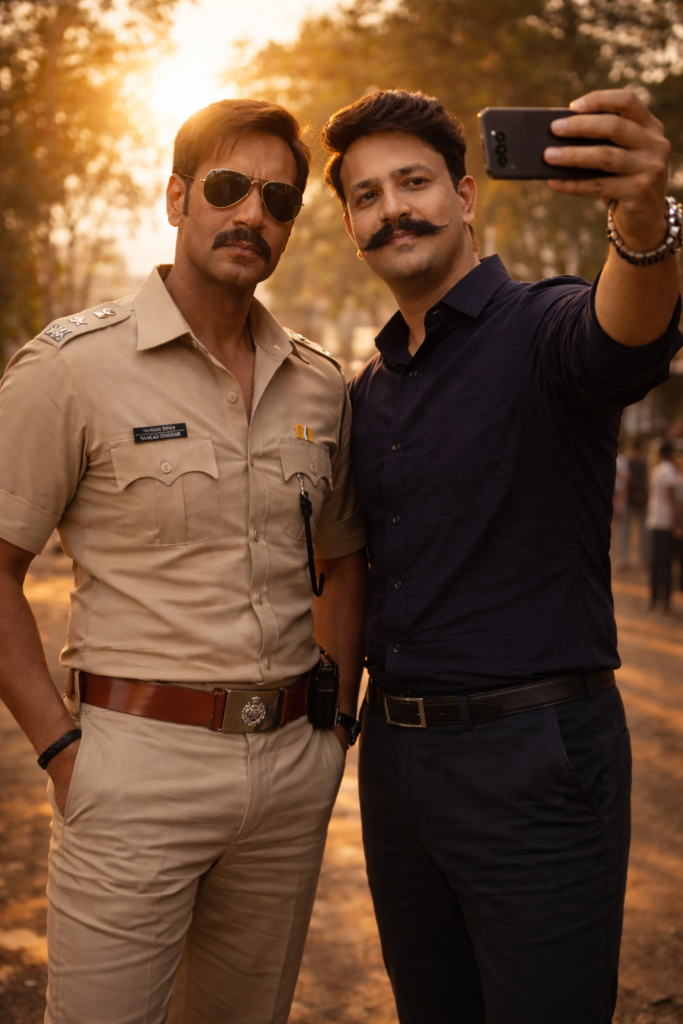
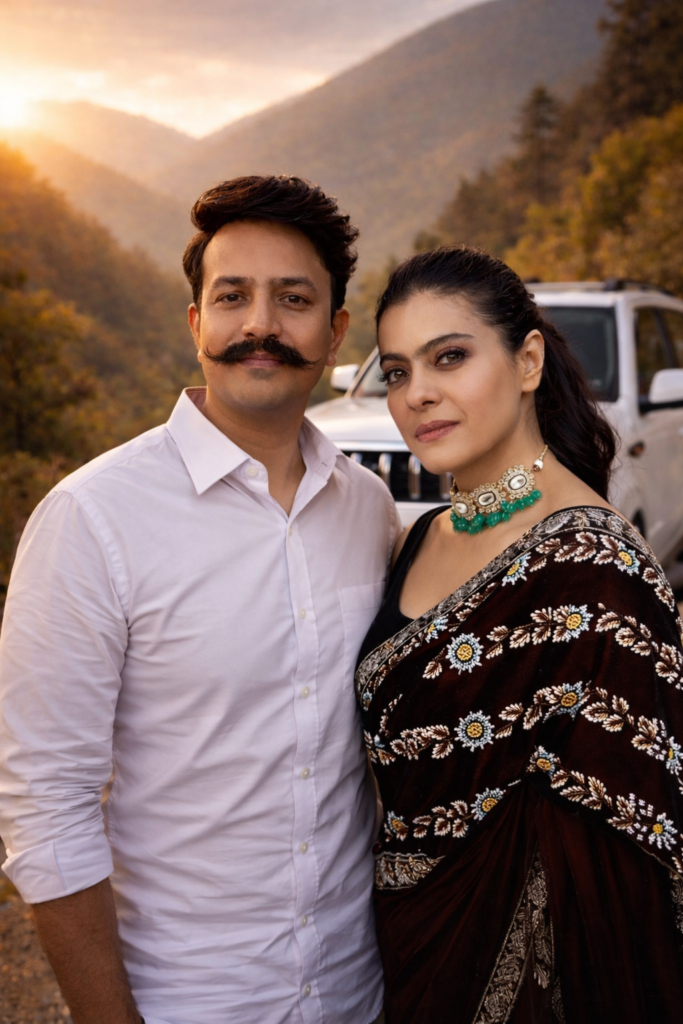
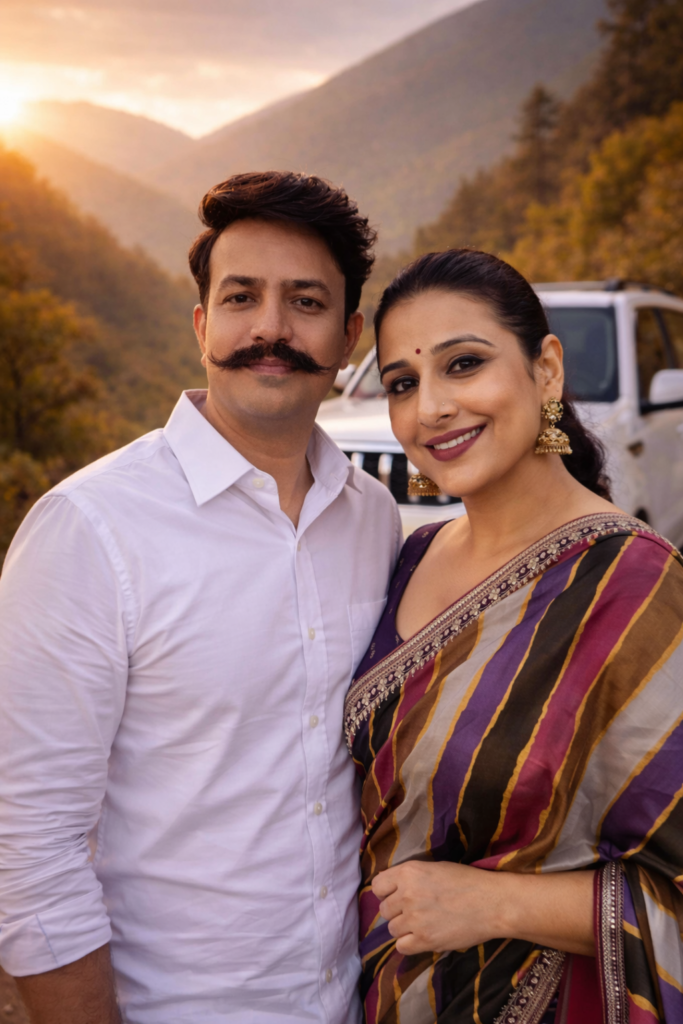
Prompt Placeholder (Copy–Paste Friendly)
Use this structure and replace the placeholders with your own details:
Use my uploaded reference image as the main subject with STRICT IDENTITY LOCK.
My face must remain exactly the same as the reference image — no beautification, no reshaping, no skin smoothing, no style changes.Create a hyper-realistic cinematic selfie where I am standing next to [CELEBRITY NAME].
The celebrity must appear in their recognizable real-life look, wearing [CELEBRITY OUTFIT DETAILS].Scene details:
– Location: [LOCATION / BACKGROUND]
– Time: [DAY / NIGHT / GOLDEN HOUR]
– Lighting: [SOFT NATURAL LIGHT / CINEMATIC LIGHTING]
– Camera: [WIDE-ANGLE / HANDHELD SELFIE / DSLR LOOK]
– Mood: [CASUAL / CONFIDENT / FRIENDLY / CINEMATIC]The image must look like a real photograph, not AI art.
No text, no watermark, no distortion, no extra people.
Ultra-high resolution, photo-realistic.
Aspect ratio: [9:16 or 1:1].
You can generate different styles such as:
- 🎬 Movie set behind-the-scenes selfie
- 🟥 Red carpet celebrity photo
- 🌄 Travel selfie with scenic background
- ☀️ Golden hour outdoor shoot
Tips for Ultra-Realistic Results
- ✔️ Always use natural lighting descriptions
- ✔️ Avoid words like “cartoon” or “artistic”
- ✔️ Mention “photo-realistic” and “DSLR look”
- ✔️ Lock identity clearly (“no changes allowed”)
- ✔️ Use high-quality reference images
Ethical & Responsible Use (Important)
While AI celebrity selfies are fun, use them responsibly:
- ❌ Don’t claim the image is a real meeting
- ❌ Don’t misuse images for fraud or impersonation
- ✔️ Clearly mention “AI-generated” if posting publicly
Responsible use protects both creators and audiences.
Frequently Asked Questions (FAQs)
1. Is it legal to create AI selfies with celebrities?
Creating AI images for personal or creative use is generally acceptable. Commercial use or misleading representation may raise legal or ethical concerns.
2. Can I post AI celebrity selfies on Instagram?
Yes, but it’s best to mention that the image is AI-generated in the caption.
3. Why does my AI selfie not look realistic?
Common reasons include:
- Low-quality reference image
- Weak or vague prompt
- Poor lighting description
Improve prompt detail for better results.
4. Which image ratio is best for social media?
- 9:16 → Instagram Reels, Shorts
- 1:1 → Instagram posts, Facebook
5. Can I use this for videos too?
Yes. You can generate images first and then animate them using AI video tools for short cinematic clips.
Final Thoughts
The new image creation feature in ChatGPT has opened a powerful creative door. With the right prompt, a clean reference image, and ethical usage, you can create jaw-dropping AI selfies with celebrities that look almost real.
Whether you’re building your personal brand, experimenting with AI art, or creating viral social content—this technique puts imagination in your hands.
for more example visit Instagram : follow: reelcrafred
scan the QR code for following my Instagram